
Seedance 2.0 Mini vs Fast: Which One Should You Use?
Seedance 2.0 Mini is the newer, cheaper Seedance tier. How it compares with Seedance 2.0 Fast on price, speed, resolution and references, with our own render times.
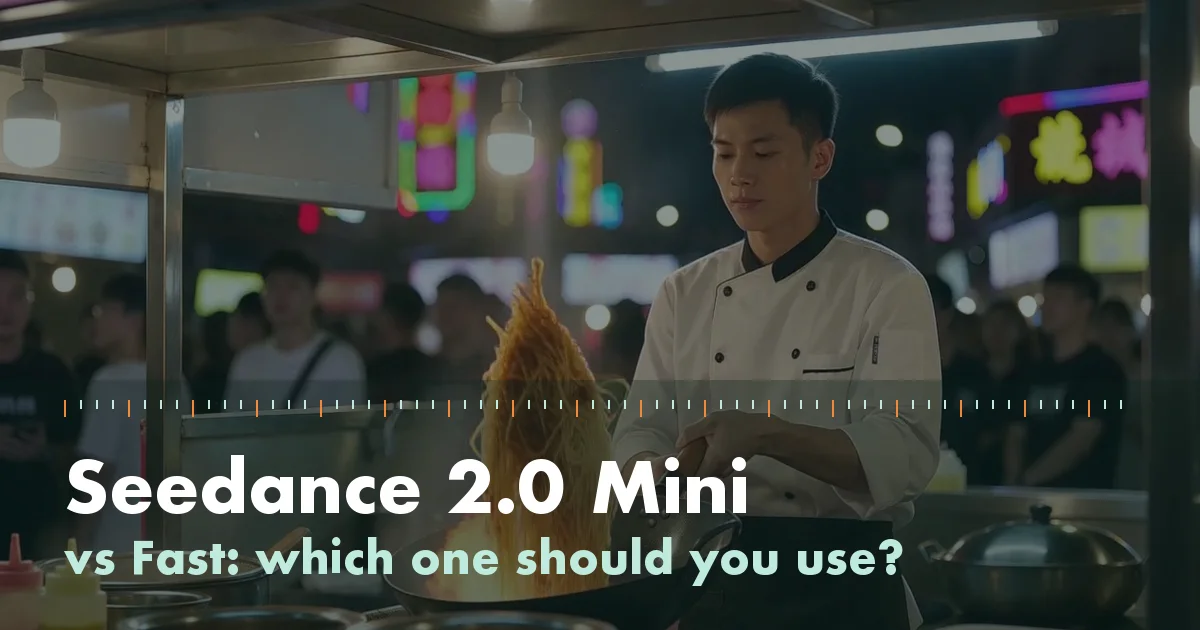
Pick Seedance 2.0 Mini when you want the lowest price per second and you are fine with 720p or below: it was released after Fast as the new budget tier, and ByteDance's own channels describe it as cheaper and quicker with similar output. Pick Seedance 2.0 Fast only if a platform you already use offers it at a better rate, or if you need a feature that your provider has not turned on for Mini. For final, high-resolution shots, both are drafting tools; the full Seedance 2.0 model is the one positioned for 1080p and up.
That answer needs some care, because the comparisons online disagree. Below we separate what ByteDance has said, what third-party API platforms list, and what we measured ourselves running Mini on Seedance21.
The short version
| Seedance 2.0 Mini | Seedance 2.0 Fast | |
|---|---|---|
| Released | June 2026 (Volcengine, via Daily Economic News) | Earlier, as the original budget tier |
| Price vs Seedance 2.0 | About half of 2.0's list price, per BytePlus | Between Mini and 2.0 on most rate cards |
| Speed | About 2x faster than Fast, per CapCut | Slower than Mini |
| Output quality | "Comparable output to 2.0 Fast", per CapCut | Baseline |
| Native resolution | 480p and 720p | Listed at up to 720p by third parties; not confirmed by ByteDance |
| Length | 4 to 15 seconds, 24 fps | Similar range on most platforms |
| References | Images, video and audio | Images, video and audio |
Price: Mini is the cheaper tier almost everywhere
ByteDance's enterprise arm BytePlus announced Mini at "about 50% of Seedance 2.0's list price". CapCut, another ByteDance product, put it at roughly 30% below 2.0. The two numbers are not the same because they come from different products with different rate cards, but they point the same way.
Against Fast, third-party list prices tell a similar story. Atlas Cloud lists Mini at 480p at $0.0352 a second and Fast at 480p at $0.0563 a second. That is one platform's table, so check your own provider before you plan a budget around it.
On this site Mini runs through WaveSpeed's turbo endpoints, which charge $0.08 a second at 720p and $0.10 at 1080p. That works out to 16 credits a second at 720p, so a default 5-second clip is 80 credits.
Speed: what we actually measured
CapCut says Mini is about twice as fast as Fast. We cannot confirm that ratio, because we do not run Fast. What we can share is how long Mini took on real jobs through WaveSpeed's API on 10 November 2026, all at 720p:
| Job | Length | Wall-clock time |
|---|---|---|
| Text to video | 5 s | 157 s |
| Image to video | 4 s | 135 s |
| First and last frame | 4 s | 168 s |
| Two reference images | 4 s | 162 s |
| Reference video | 4 s | 185 s |
| Image plus reference audio | 4 s | 210 s |
| Video edit | 4 s | 185 s |
| Text to video, 21:9, three shots | 8 s | 190 s |
So plan on two to three and a half minutes per clip, including queueing. Length added less time than we expected: the 8-second clip took about as long as the 4-second edit.
Resolution: the part most comparisons get wrong
This is where articles contradict each other. Volcengine's launch details list Mini at 480p and 720p. Several API platforms, including Replicate, point users to the full Seedance 2.0 model when they need 1080p or 4K.
Some providers still offer a 1080p option for Mini. WaveSpeed does, and bills an extra "upscale" charge for it, which suggests the frames are rendered at Mini's native size and then scaled up. We offer that option too, and we say plainly in our FAQ that it adds an upscale step.
For Fast, we could not find an official ByteDance page that states its maximum resolution. Third-party listings put it at 720p. If 1080p matters for the final cut, neither tier is the safe choice; render your finals on the full model.
References and editing: no reason to pick Fast
Mini was announced with image, video and audio references in mind. Most platforms list the same limits for it: up to 9 images, 3 video clips and 3 audio files, with clips and audio capped at 15 seconds in total. One platform, Atlas Cloud, lists 6 images instead, so this is another place to check your provider.
Two practical notes from our tests:
- You refer to inputs by order in the prompt, as
@Image 1,@Video 1and@Audio 1. - First-and-last-frame mode and multi-reference mode are separate jobs. Several platforms say you cannot combine them in one request, and on our site two images become either references or frames, never both.
Here is a two-reference result: a courier from one picture meets a delivery robot from another, and both stay recognizable.
The courier from @Image 1 hands a small parcel to the robot from @Image 2 on a sunny street, medium shot
Testar este promptMini can also edit an existing clip. We gave it a 5-second rainy-night clip of a paper boat and asked for an autumn afternoon instead. The boat, its path and the camera move carried over.
Which should you use?
- Drafting, social clips, storyboards: Mini. It is the cheapest Seedance 2.0 tier and, by ByteDance's account, matches Fast on output.
- You already have Fast credits on a platform: use them up, the gap in quality is small.
- A 1080p or 4K final: the full Seedance 2.0 model, not Fast or Mini.
- Anything with references or edits: Mini handles both, with sound rendered in the same pass.
A sensible workflow is to iterate on Mini at 720p until the prompt, cuts and timing are right, then spend on the full model only for the shot you will publish.
Night market food stall. A cook tosses noodles in a flaming wok, sparks and steam rise into the neon light. Cut to an extreme close-up of noodles landing back in the wok with sauce sizzling. Cut to a wide shot of the busy stall with customers waiting. Loud sizzling, clanging metal, crowd chatter.
Testar este promptFAQ
Which is better, Seedance 2.0 Fast or Mini?
For most short clips, Mini: ByteDance's CapCut team describes its output as comparable to Fast while being about twice as fast, and it is cheaper on the rate cards we checked. Fast only wins if your platform prices it lower.
Is Seedance 2.0 Mini free?
Not as an API: every provider we checked charges per second. Consumer apps sometimes run free trials, and those change often. On Seedance21, new accounts get enough credits for one 5-second 720p clip.
What is the difference between Seedance 2.0 Mini and Seedance 2.0?
Seedance 2.0 is the full model and the one positioned for 1080p and higher. Mini is a lighter tier at about half the price, with native output at 480p and 720p.
Does Seedance 2.0 Mini support 1080p?
Not natively, according to ByteDance's launch details. Some providers, WaveSpeed included, offer a 1080p option that adds an upscale step for an extra fee.
How long does a Seedance 2.0 Mini video take?
In our runs, 135 to 210 seconds for 4 to 8 second clips at 720p, through WaveSpeed's turbo endpoints. ByteDance has not published official render times.
Want to see it for yourself? Open the generator and render a 5-second clip, or attach two pictures and try the reference mode.